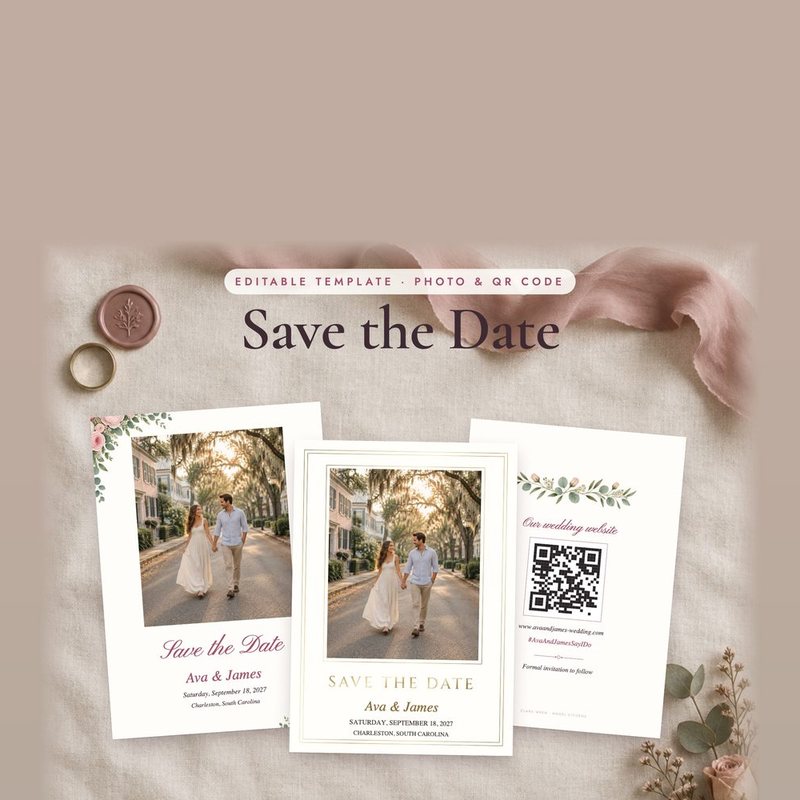
Save the date with your photo and a QR code
$9Instant download
An editable save the date with your photo and a QR code for your wedding website, in four styles, for 5x7 (13 × 18 cm) print or phone.
Arrives by email in minutes
What you get
- 5x7 (13 × 18 cm) photo and no-photo save the dates, with a QR code back (editable PDF)
- Phone versions to text or post
- 4 styles
- Start Here guide
Who it's for
- You've set the date
- You want guests to find your wedding website easily
- You'd like to send it by phone as well as by mail
About it
Type your names, date and city, click to add your photo, and add a QR code for your wedding website on the back. Each of the four styles comes as a 5x7 (13 × 18 cm) photo card, a 5x7 (13 × 18 cm) no-photo card and a phone version with and without a photo, to text, email or post.
Do I need Canva or any special software?
No. The templates are editable PDFs: type into them in free Adobe Acrobat Reader, Mac Preview or a phone PDF app, then save and print.
How do I add my photo and QR code?
In free Adobe Acrobat Reader on a computer, click the photo frame or the QR box and choose a picture. The Start Here guide shows how to make a QR code for your website.
Which styles are there?
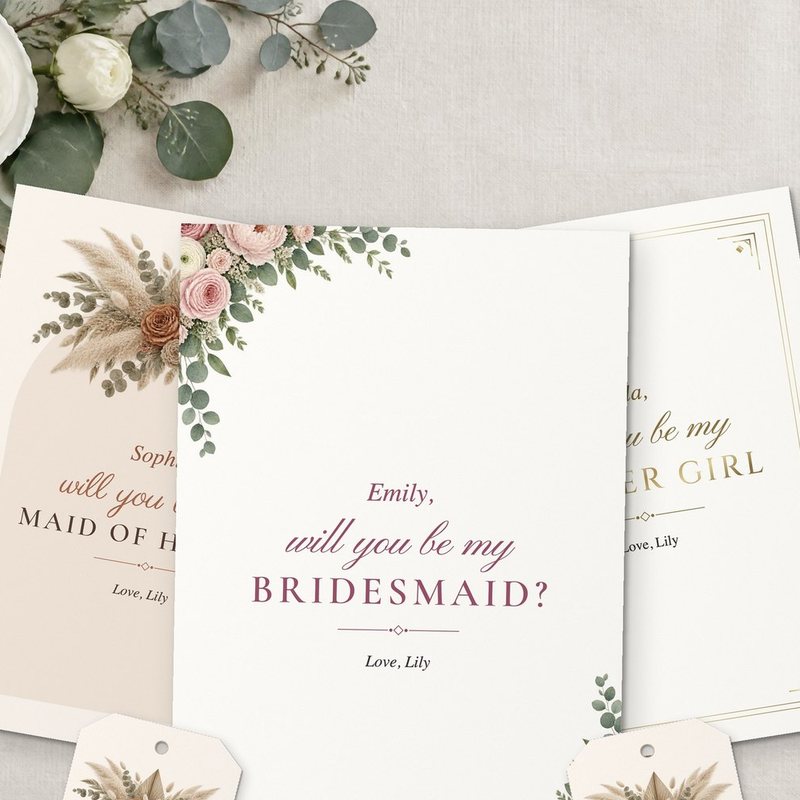
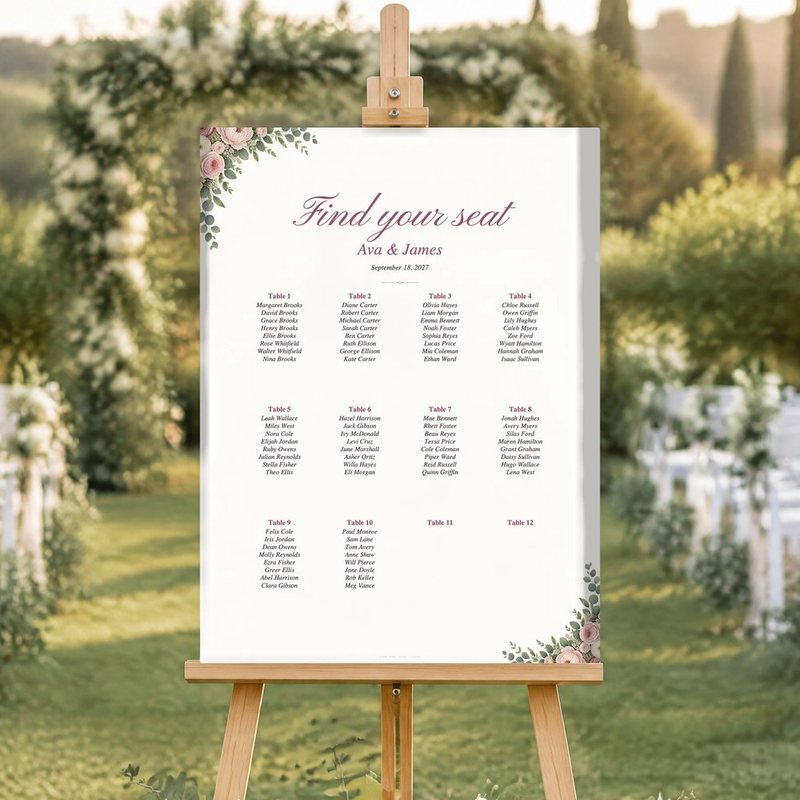
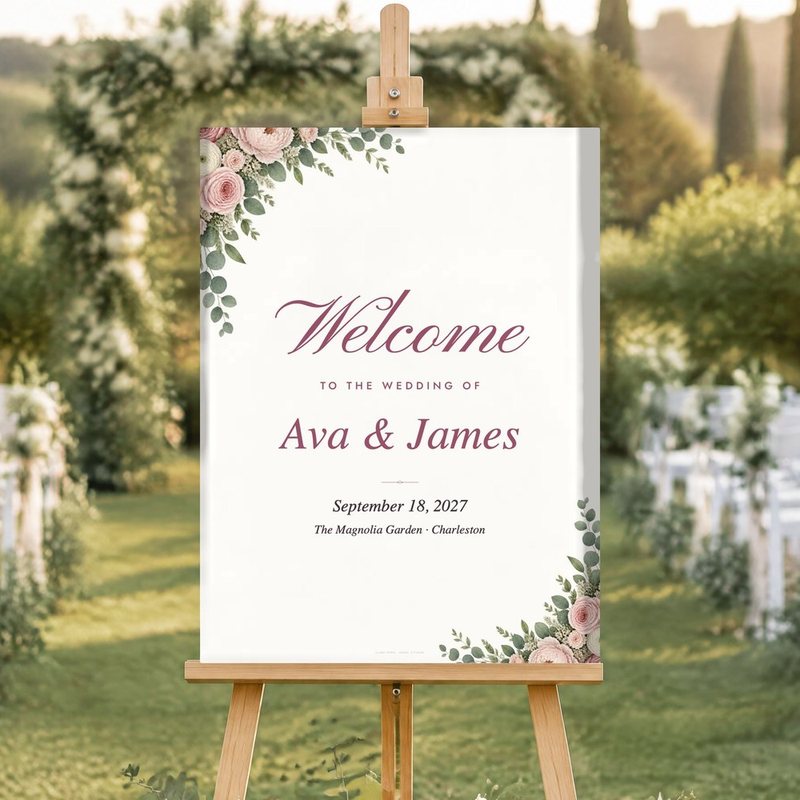
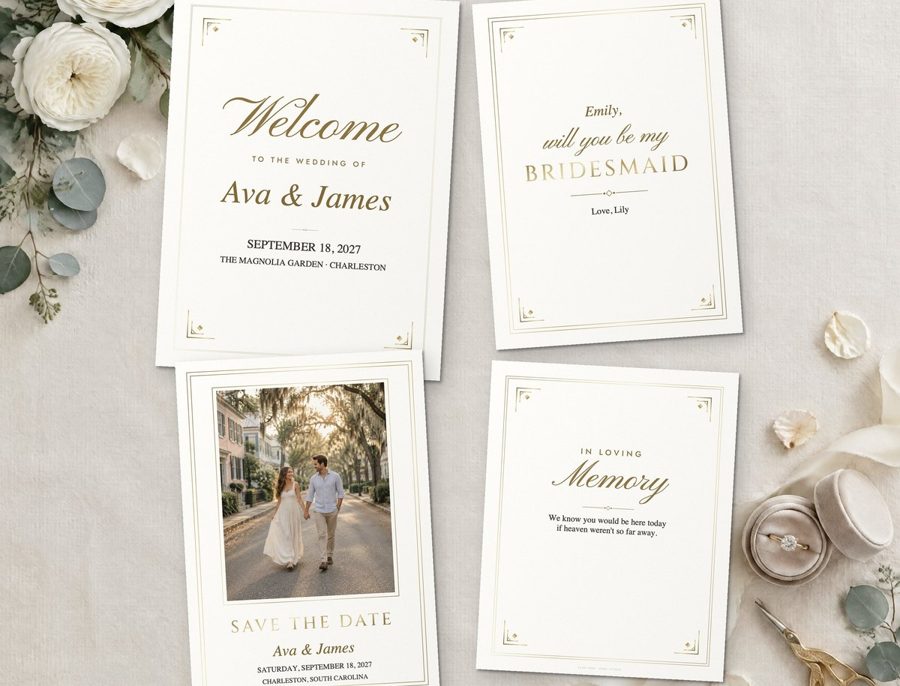
Rose Garden (watercolor florals), Modern Minimal, Boho Pampas and Classic Gold (a gold-foil look). Pick one and everything matches across Clara's wedding range.
How you get it
Checkout opens on our secure download store, and the files arrive by email straight away. The links keep working if you need them again.